
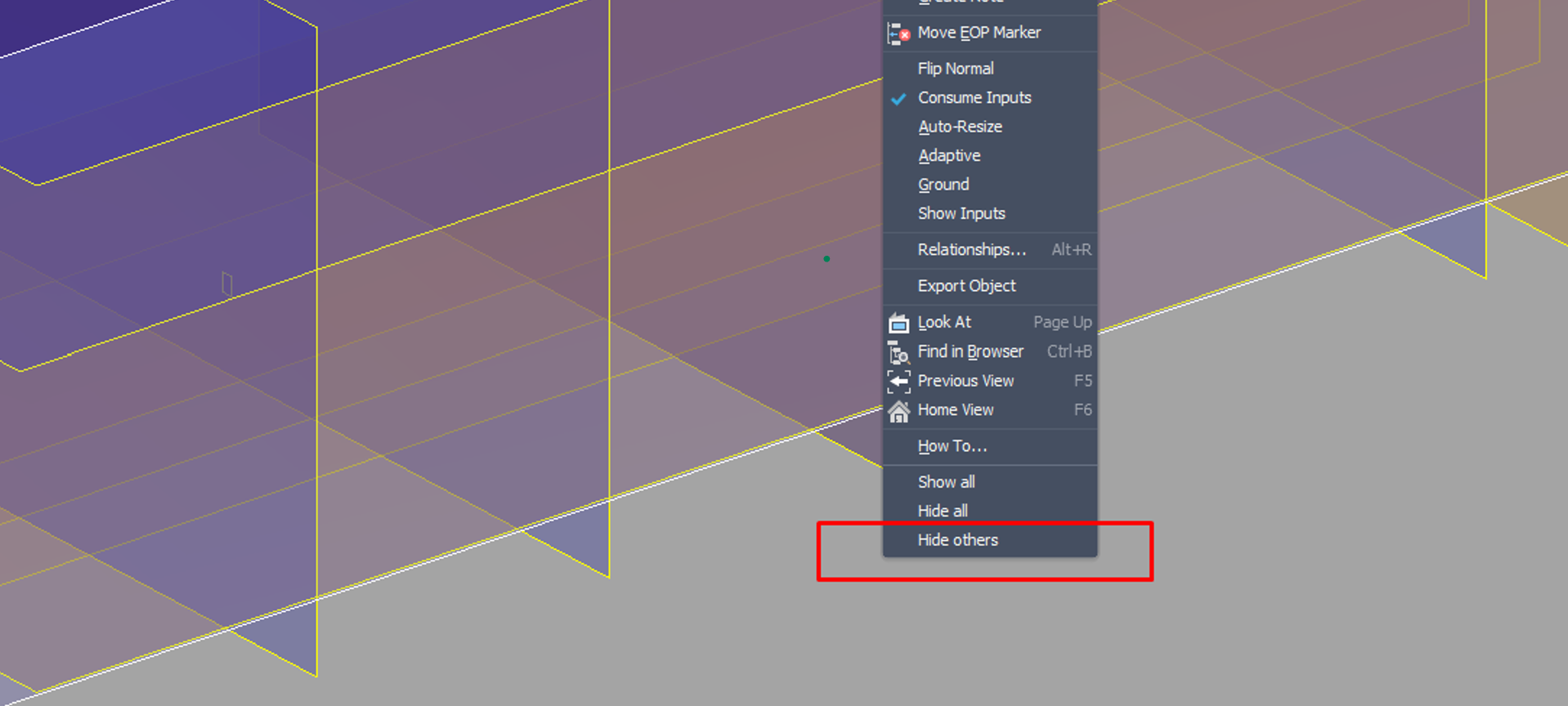
Part Visibility extends Autodesk Inventor's part environment with faster bulk visibility controls. Instead of manually toggling items one by one in the browser, you can right-click a supported object and immediately show all, hide all, or isolate that type. The commands are added to the object-specific context menu in part documents and work with the selected object type. If you select sketches, workplanes, workaxes, workpoints, work surfaces, solids, or 3D sketches, the add-in can toggle the visibility of all matching objects in the active part with a single action. When multiple supported object types are selected, the commands are applied per selected type. That makes the tool useful for quickly cleaning up busy models, isolating the geometry you need to edit, and restoring visibility without digging through long browser trees.
