
Small working examples you can try in your browser: models that rebuild from their parameters, the same technique behind the configurators we build for clients.
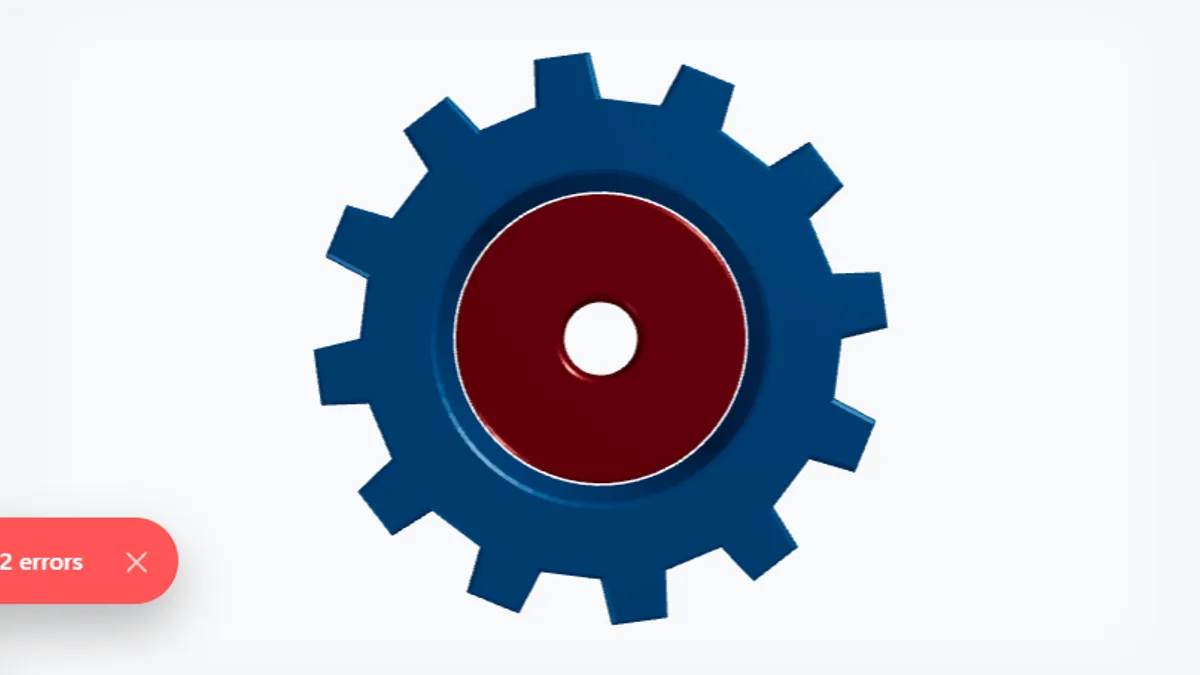
A parametric gear pair. The number of teeth, the radii, the gap and the colours drive the geometry, which is regenerated in your browser on every change.
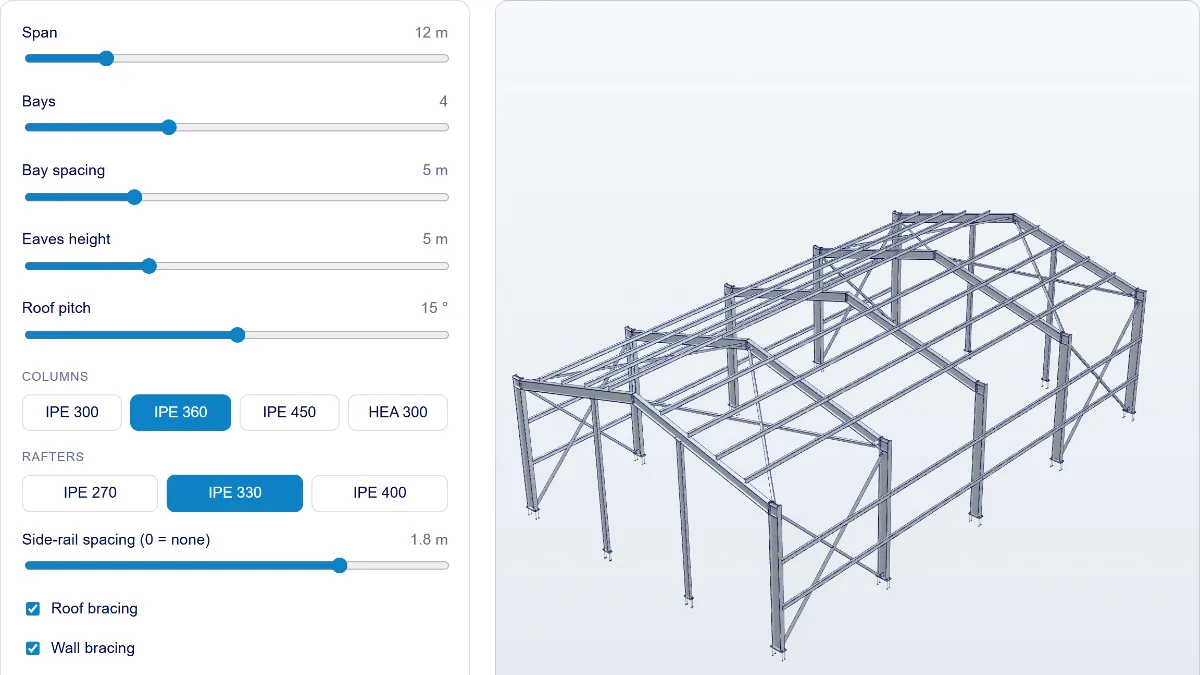
Set the span, the number of bays, the eaves height and the roof pitch, and pick the column and rafter sections. The frame follows every slider. When you let go, it is detailed with base plates, end plates and bolts, and its bill of materials and total steel weight are listed.
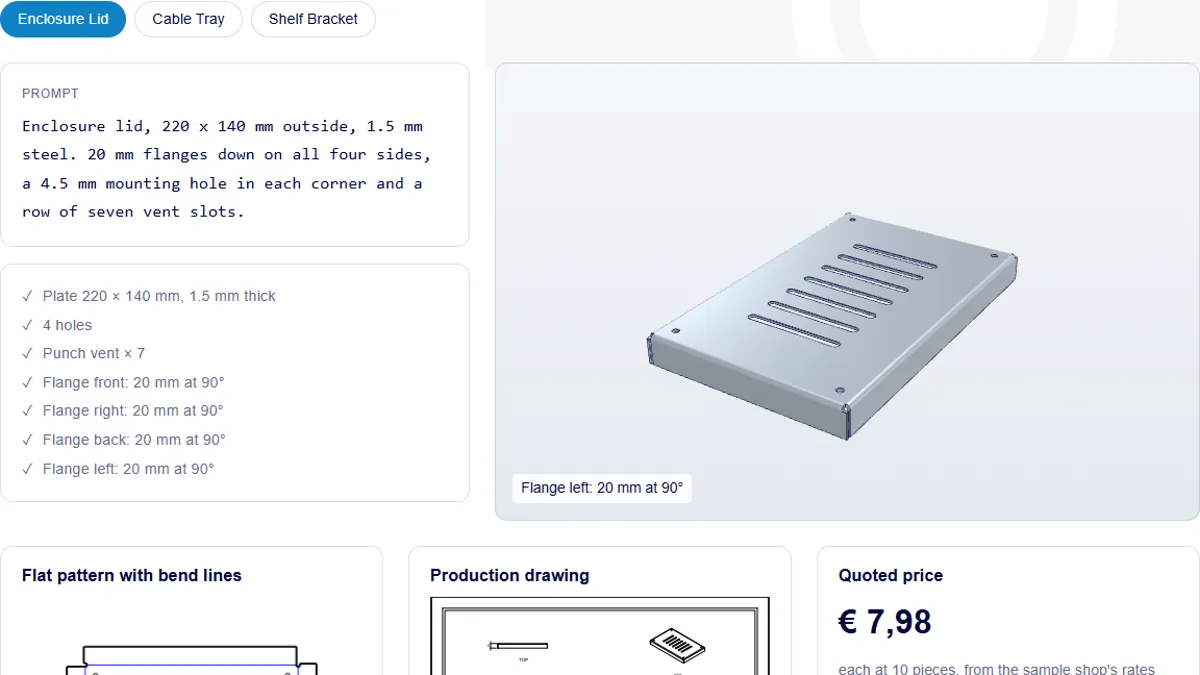
A prompt types itself, the part described in it is built feature by feature in your browser, and then the production outputs appear: the flat pattern with its bend lines, the drawing, a price and the STEP and DXF files.
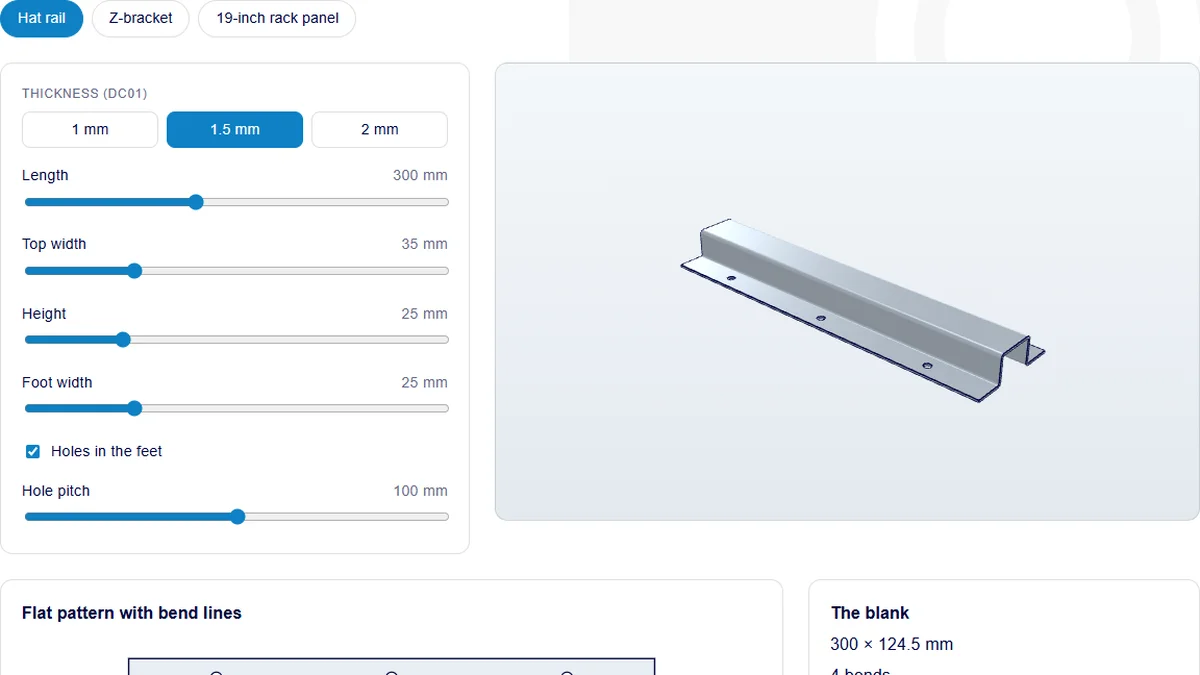
Pick a hat rail, a Z-bracket or a 19-inch rack panel and change its size, thickness and features. The part and its flat pattern are rebuilt in your browser on every change, with an instant price estimate.
Send a short description or a screenshot, and we'll tell you whether it can be automated and roughly what it takes.
