
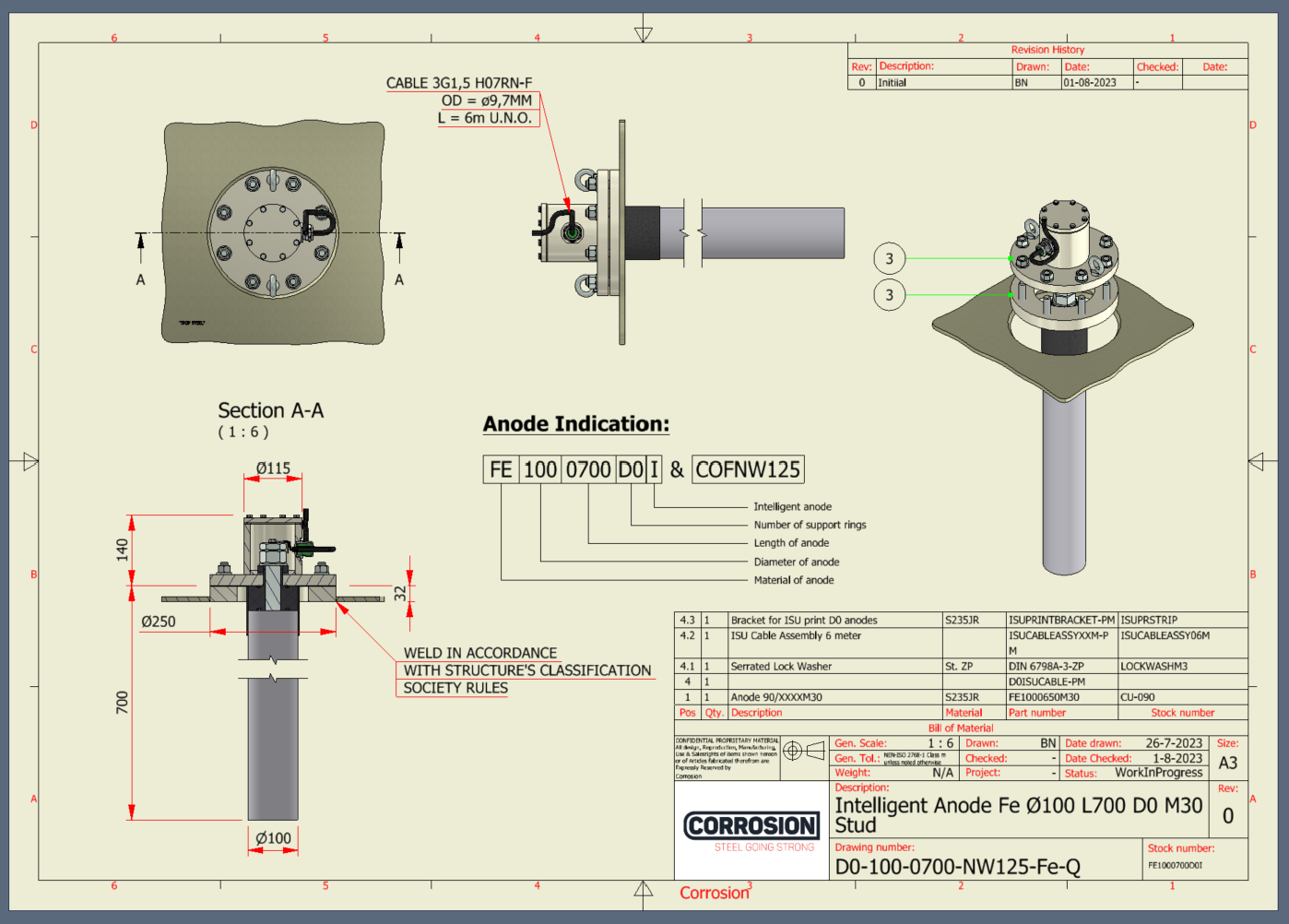
Automated Anode Drawings is a fully self-contained drawing generator built into Corrosion's CPQ system. From a single set of configurator inputs, it produces a complete, production-ready technical drawing — no manual drafting required.
The user (or the CPQ itself) sets the anode parameters — diameter, length, material, and a handful of variant flags — through an iLogic form embedded directly inside the Inventor assembly. The 3D model regenerates against those parameters in real time, so the configuration is verified visually before any drawing is generated.
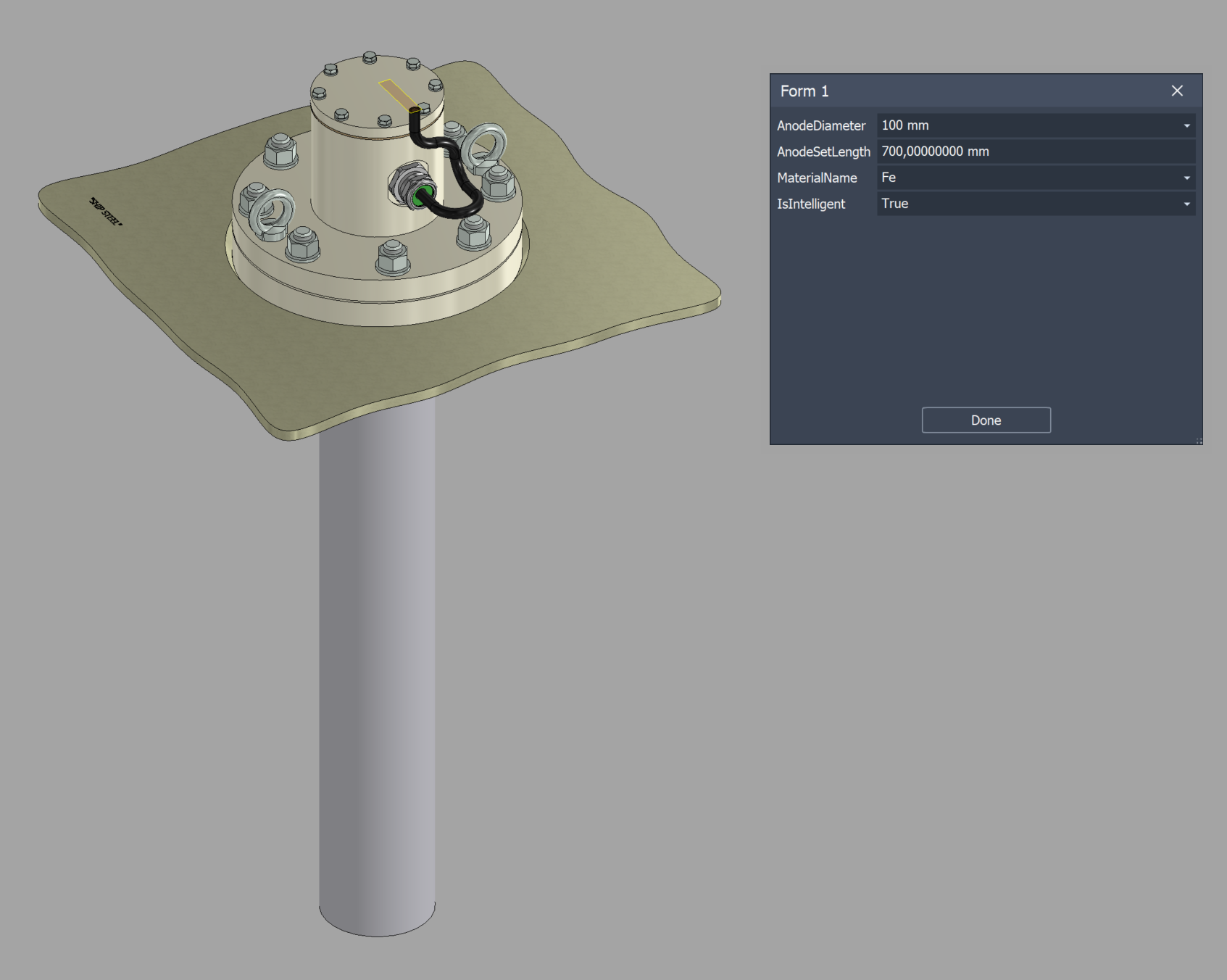
iLogic form for anode parameters, embedded directly in the assembly.
Once the model is configured, the drawing script handles everything: view placement, dimensioning, section views, anode indication, weld notes, and title block population. The output is a consistent, error-free drawing every time the CPQ configures a new anode — ready to ship to production with no manual cleanup.
Auto-generated drawing with views, sections, dimensions, anode indication, and title block.
End-to-end: configure parameters, regenerate the model, and emit the production drawing.
The script was originally written in C# against the Inventor API, then ported to VB.NET so it can live inside the model as an iLogic rule. This keeps the entire automation self-contained in the Inventor file — no external add-in installation, no DLL to deploy — making it trivial to roll out and maintain inside the CPQ workflow.
